
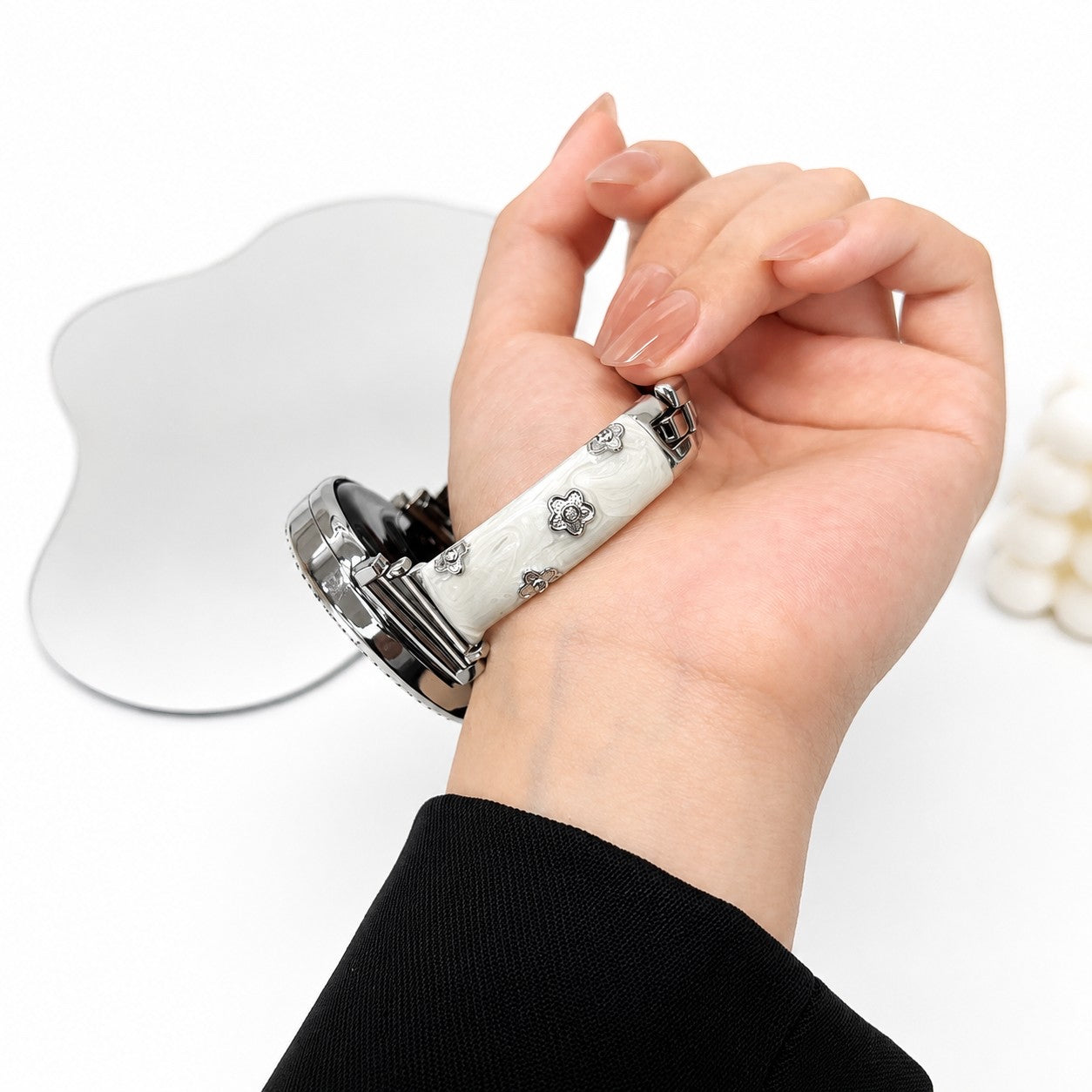
Your Apple Watch is more than just a smart device—it’s a lifestyle accessory. The right band can instantly transform its appearance, making it suitable for sports, business, or fashion-forward occasions.
1. Fabric Apple Watch Band – Lightweight Comfort for Everyday Wear
Fabric Apple Watch bands are designed for all-day comfort and casual versatility. With a soft, breathable texture, they provide a lightweight wearing experience that suits daily routines.
 |
Key features:
|
Fabric bands are perfect for users who prioritize comfort and an effortless, laid-back aesthetic.
2. Metal Apple Watch Band – A Premium and Refined Upgrade
Metal Apple Watch bands deliver a sophisticated and timeless look. Crafted for durability and elegance, they are ideal for professional settings and formal occasions.
 |
Key features:
|
A metal band is the perfect choice if you want to elevate your Apple Watch into a refined, watch-like accessory.
2. Decorative Apple Watch Band – Fashion-Forward and Expressive Design
Decorative Apple Watch bands are designed to stand out. Featuring crystal accents, bow details, floral elements, and artistic designs, they bring personality and charm to your wrist.
 |
Key features:
|
If you want your Apple Watch to reflect your personal style, decorative bands are an excellent choice.
How to Change Apple Watch Bands?
Replacing your Apple Watch band is quick and requires no tools. Follow these simple steps:
Step 1: Place Your Apple Watch Face Down
Lay your watch on a soft, clean surface to prevent scratches.
Step 2: Locate the Band Release Buttons
On the back of the Apple Watch, identify the two small release buttons near the band connectors.
Step 3: Press and Slide the Band
Press and hold the release button, then gently slide the band sideways to detach it.
Step 4: Repeat for the Other Side
Remove the second half of the band using the same method.
Step 5: Attach the New Band
Slide the new band into the slot until it clicks securely into place.
Whether you prefer the comfort of fabric, the elegance of metal, or the expressive style of decorative designs, there is an Apple Watch band for every occasion and personal style.
Thanks to the simple quick-release system, switching bands takes only seconds—allowing you to effortlessly match your Apple Watch to your outfit, mood, or lifestyle.
Share:
How to Attach a Phone Chain: 2 Easy Installation Methods
How to Choose the Best Tempered Glass Screen Protector?