
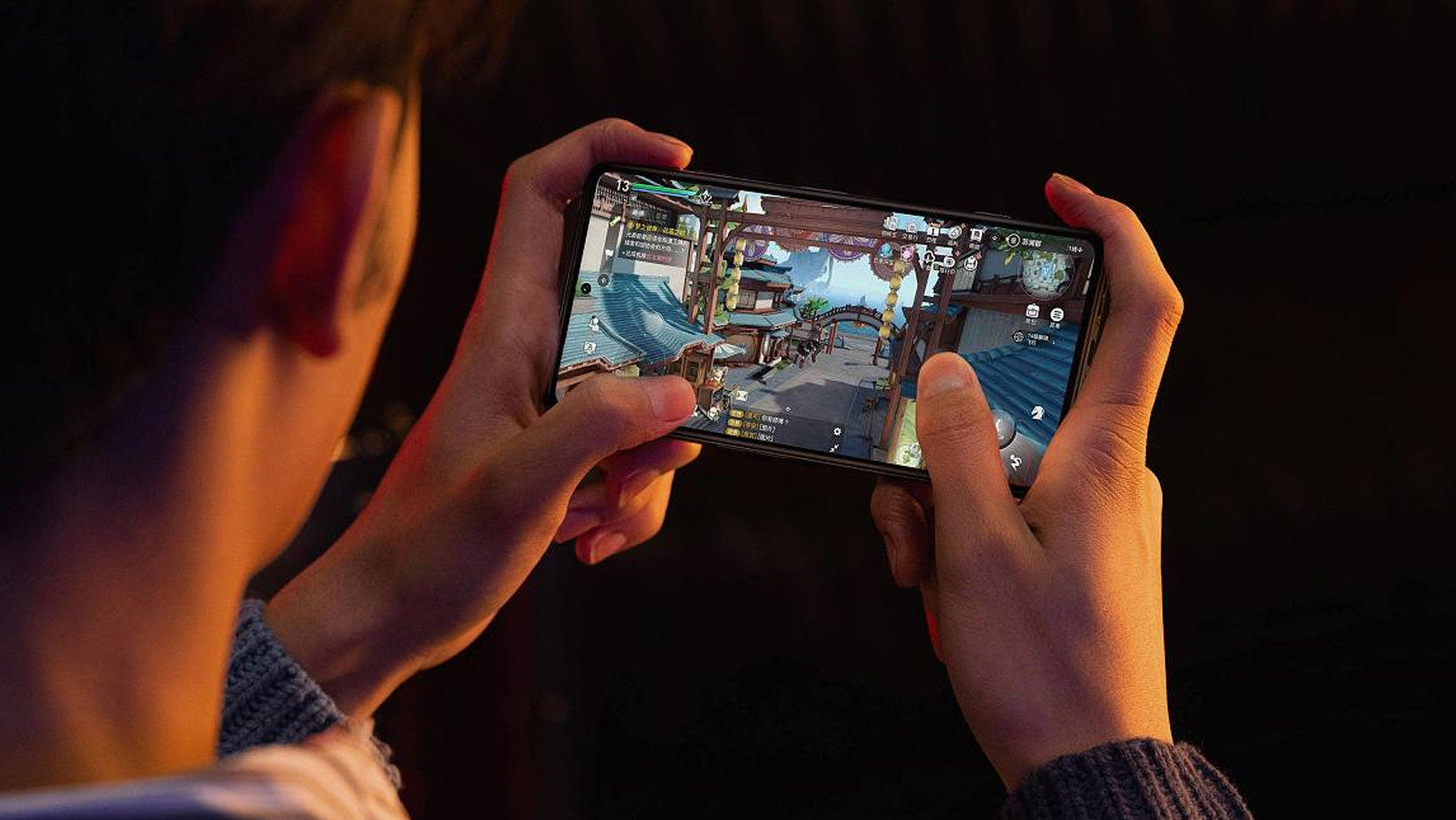
Screen protectors are a popular accessory for smartphones and tablets, designed to safeguard the device's screen from scratches, impacts, and other forms of damage. However, many users wonder if these protectors can affect the touch sensitivity of their devices. Let's delve into the impact of screen protectors on touch sensitivity and what you can do to optimize your phone's responsiveness.
How Do Screen Protectors Work?
Screen protectors operate by providing an additional layer of material between the device's screen and the outside world. This layer absorbs and distributes external shocks, preventing direct contact between the screen and hard surfaces, thus reducing the likelihood of cracks and scratches.
Can Tempered Glass Screen Protectors Affect Touch Sensitivity?
Tempered glass screen protectors are known for their robustness. They are made from a specific type of glass that has been heated or treated with chemicals to make it stronger. These protectors offer superior protection against cracks and scratches. While tempered glass protectors are highly durable, overly thick or low-grade protectors can have a slight impact on touch sensitivity. The additional layer of glass can introduce a minimal delay in touch response, which is usually negligible for most users. However, some users might perceive a subtle difference, especially those accustomed to the pristine responsiveness of an uncoated screen.
How to Adjust Touch Sensitivity Settings on Your iPhone?
If you experience any slight touch delay after installing a screen protector, adjusting a few built-in iOS settings can significantly improve responsiveness:
1. Adjusting Haptic Touch Settings
• Open the Settings app on your iPhone.
• Tap on Accessibility > Touch.
• Select Haptic Touch (or 3D & Haptic Touch on supported older models).
• Choose Fast to speed up screen responses to long-press inputs.
2. Using Touch Accommodations
• Open Settings > Accessibility > Touch > Touch Accommodations.
• Enable Touch Accommodations if you need customized touch timing.
• Hold Duration: Customize how long you must hold the screen before an action is registered.
• Swipe Gestures: Turn on Swipe Gestures to allow quick movement inputs without waiting for duration timers.
How to Choose a Screen Protector with High Responsiveness
To maintain excellent touch accuracy without tweaking system settings, look for protectors engineered with:
• Ultra-Thin Design: High-definition glass under 0.3mm retains high touch responsiveness and accuracy.
• High Capacitive Conductivity: Premium optical materials that effortlessly pass electrical signals from your touch directly to the panel.
👉 Looking for total protection with high touch responsiveness? Explore PERFECTSIGHT Ultra-HD Screen Protectors today.
Share:
How to Clean a Paper-like Screen Protector?
Exploring Compatibility of iPhone Screen Protectors with Different Models