
Let’s be honest—applying a screen protector is one of the most stressful modern-day experiences. You just spent good money on a premium Paperlike screen protector for your iPad, and the last thing you want is to ruin it. One wrong move, and you’re staring at a screen covered in trapped dust and annoying air bubbles that will haunt your drawing or note-taking sessions forever.
If you’re someone with "butterfingers" (or just zero patience for DIY projects), take a deep breath. You do not need to pay a professional to do this. With the right technique and a little patience, you can achieve a flawless, factory-perfect application.
Here is the foolproof, step-by-step guide to applying your Paperlike screen protector with zero bubbles.
The Secret Weapon: The "Steamy Bathroom" Hack
Before you even touch your iPad, you need to find the right environment. Dust is public enemy number one.
Do not apply your screen protector on your bed, on a dusty desk, or under a ceiling fan. Instead, take your iPad and the Paperlike kit into your bathroom. Turn on the hot shower for a few minutes until the room gets a little steamy.
Why? The steam and humidity weigh down the airborne dust particles, causing them to drop to the floor. This creates a temporary "cleanroom" environment, drastically reducing the chances of dust sneaking under your screen protector.
Step 1: Prep and Polish (The Most Crucial Step)
Wash your hands thoroughly with soap to remove natural oils. Place your iPad on a flat, stable surface (make sure it's turned off so the black screen helps you spot dust easily).
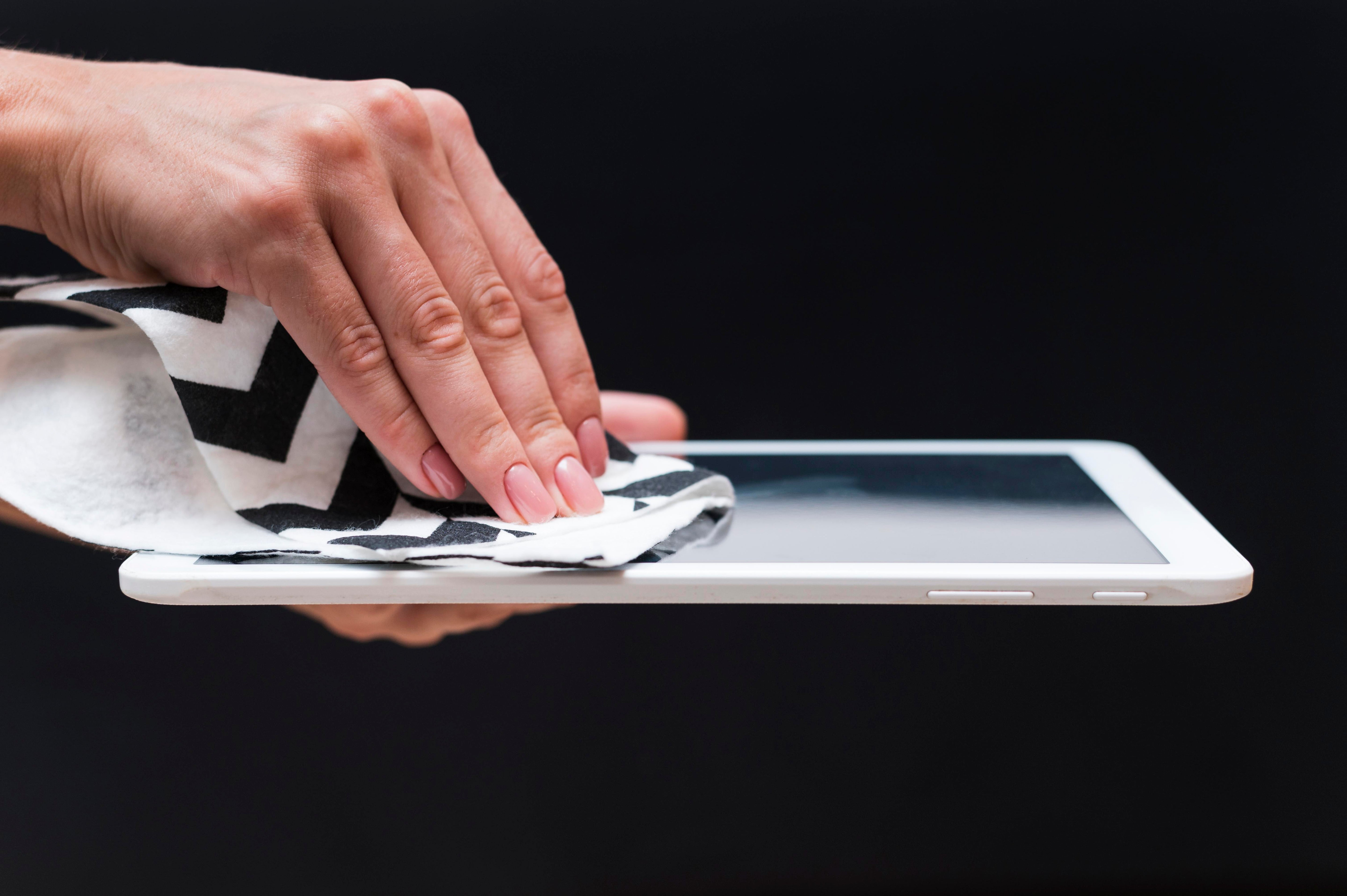
The Wet Wipe: Use the included alcohol wipe to thoroughly clean the screen. Pay special attention to the edges and corners where grime builds up.
The Dry Wipe: Use the microfiber cloth to wipe the screen completely dry. Wipe in one direction (e.g., top to bottom) rather than in circles to avoid moving dust around.
The Dust Absorber: Take the sticky dust-absorber sticker and dab it repeatedly all over the screen. Do not skip this step! Even if the screen looks clean to the naked eye, dab it anyway.
Step 2: The "Hinge Method" (Alignment for Beginners)
Do not peel off any protective backing yet!
Place the Paperlike flat on your iPad screen, aligning the camera hole and the edges perfectly.
Once it’s perfectly aligned, use the included Guide Stickers (or just regular scotch tape) to tape one long edge of the screen protector directly to the side/back of your iPad.
You have now created a "hinge." You can flip the screen protector open and closed like the cover of a book, and it will land in the exact same perfect spot every time.
Step 3: The Drop and Swipe
Now comes the moment of truth.
Flip the screen protector open like a book.
Do one last quick pass with your dust absorber sticker on the iPad screen.
Slowly peel off Layer 1 (the sticky side facing the iPad) while simultaneously flipping the protector back onto the screen.
Don't press down immediately! Let the protector naturally drop onto the screen.
Take your squeegee (the little cardboard/plastic scraper) or a credit card wrapped in the microfiber cloth. Starting from the center of the screen, firmly push outward toward the edges to glide the air out.
Step 4: Banishing the Leftover Bubbles
Even with perfect technique, you might see a few bubbles. Don't panic; here is how to diagnose and fix them:
Air Bubbles (No dust inside): These are easy. Simply use your squeegee to firmly push them toward the closest edge until they pop out. Sometimes, tiny air bubbles will naturally disappear within 24 to 48 hours.
Dust Bubbles (A bubble with a tiny speck inside): Pushing these won't work. You need to perform "surgery."
Take a piece of scotch tape or a guide sticker, attach it to the corner of the screen protector, and gently lift the corner up just enough to reach the dust.
Take another dust absorber sticker, slide it in sticky-side up, and dab the dust speck off the back of the screen protector (or off the iPad screen).
Lay the protector back down and squeegee the air out. Boom. Dust gone.
Step 5: The Grand Finale
Once you are satisfied that all dust and major bubbles are gone, carefully peel off Layer 2 (the top protective film).
Pro Tip: Pull the top layer back slowly at a sharp, flat angle (almost parallel to the screen) rather than pulling it straight up. This prevents you from accidentally lifting the actual Paperlike protector off the iPad.
Share:
Why You Need a Privacy Screen Protector Today
The Best Samsung Galaxy S26 Screen Protector in 2026