
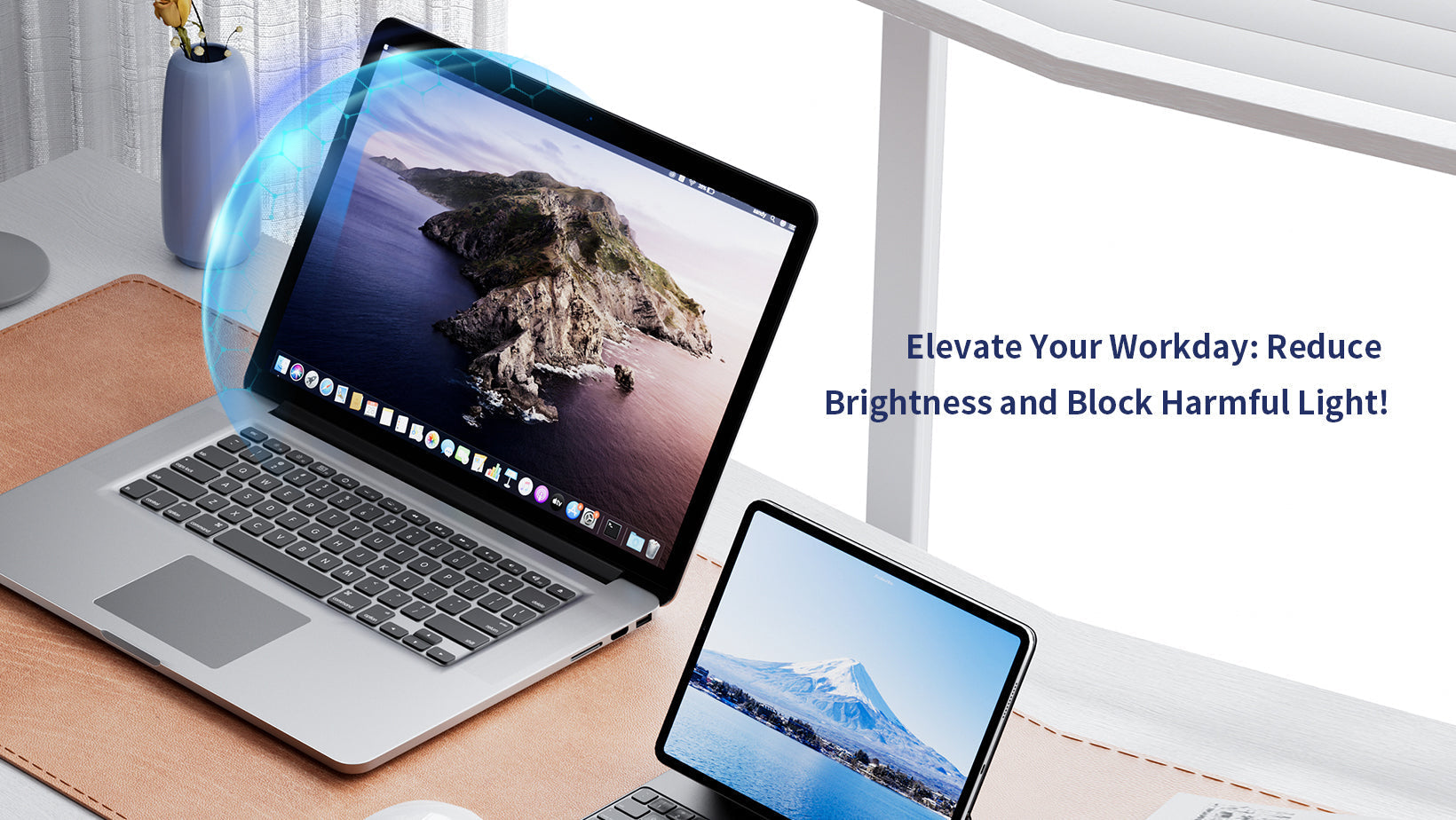
With MacBook screens costing 400–800+ to replace, protecting your investment is crucial—but screen protectors spark fierce debate. As Apple's displays evolve, the question intensifies: Do these sleek machines need extra shielding? We dissect the science, risks, and real-user experiences to help you decide.
The Case For Screen Protectors
Defense Against Physical Damage
Scratches & Scuffs: Keys, jewelry, or dust particles pressed against the screen when closed can etch permanent marks. A protector acts as a sacrificial layer.
Impact Absorption: Tempered glass variants (0.3–0.5mm thick) absorb shocks from drops or impacts, potentially preventing costly cracks.
Smudge Resistance: Oleophobic coatings repel fingerprints and oils, reducing cleaning frequency by 70%+.
Functional Enhancements
Anti-Glare: Matte screen protectors diffuse reflections in bright offices or outdoors, easing eye strain.
Blue Light Filters: Specialty screen protectors block up to 70% of HEV light (common in screens), reducing digital eye fatigue.
Privacy Screens: Magnetic filters limit viewing angles to 30°, shielding sensitive data in public spaces.
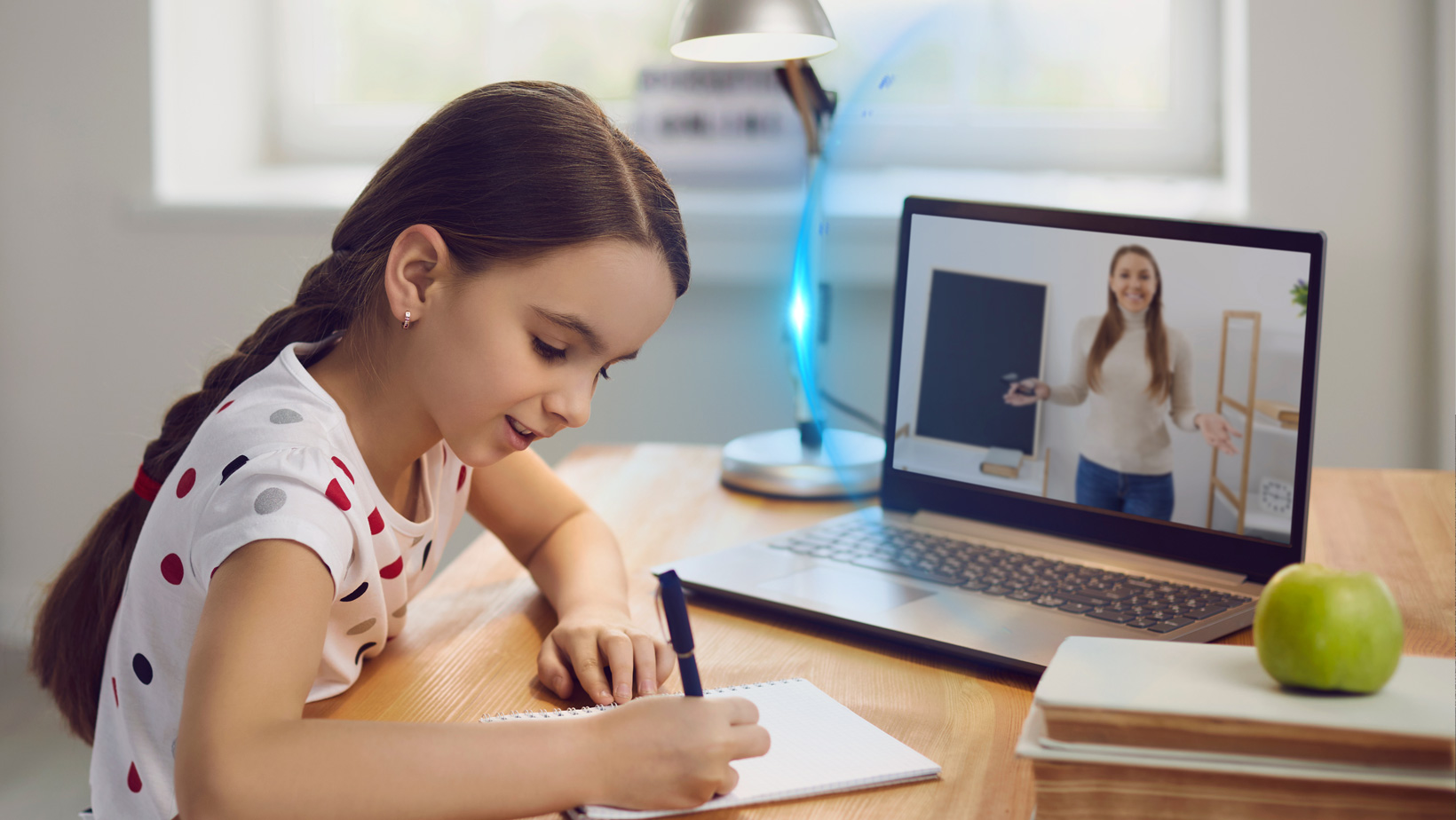
Long-Term Value Preservation
Maintains resale value by keeping the original screen flawless.
Costs <100 vs.500+ for screen replacements.
Screen protectors aren't essential for all users—but they're worth considering for high-risk environments. For most, tempered glass ≤0.33mm or magnetic screen protectors offer balanced protection without major tradeoffs. Avoid thick adhesives, and always prioritize Apple's built-in durability first.
Your MacBook's screen is tougher than you think—but strategic armor never hurts. 🛡️💻
Share:
Do Screen Protectors Prevent Cracks?
The Ultimate Guide to iPhone 17 Screen Protectors: Choosing Perfect Protection for Your New Device